1 / 4

| Brand | Torwell |
| Material | Standard PLA (NatureWorks 4032D / Total-Corbion LX575) |
| Diameter | 1.75mm / 2.85mm / 3.0mm |
| Net weight | 1 Kg/spool; 250g/spool; 500g/spool; 3kg/spool; 5kg/spool; 10kg/spool |
| Gross weight | 1.2Kg/spool |
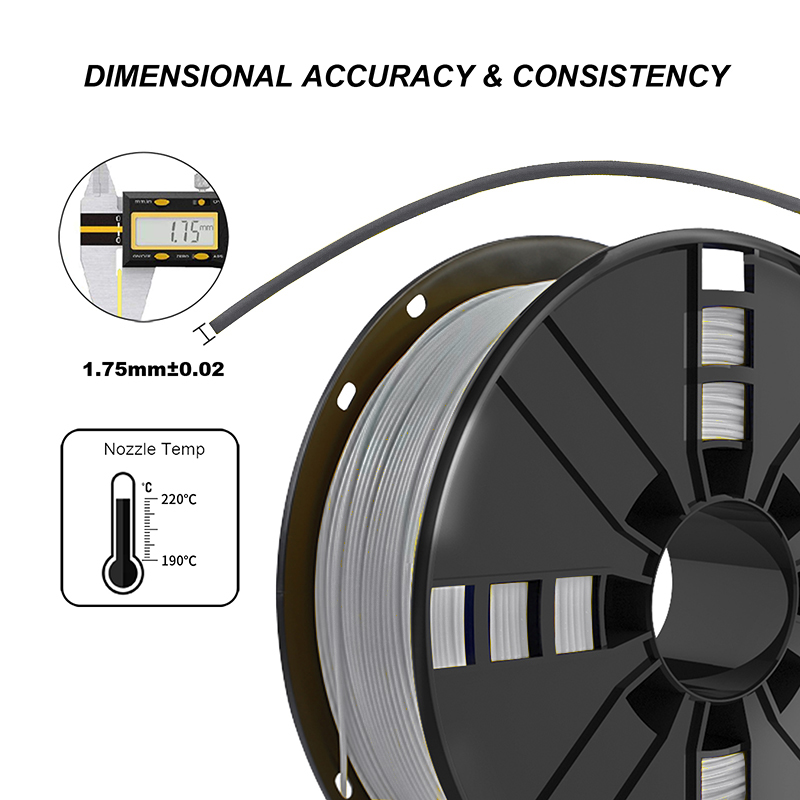
| Tolerance | ± 0.02mm |
| Storage Environment | Dry and ventilated |
| Drying Setting | 55˚C for 6h |
| Support materials | Apply with Torwell HIPS, Torwell PVA |
| Certification Approval | CE, MSDS, Reach, FDA, TUV and SGS |
| Compatible with | Makerbot, UP, Felix, Reprap, Ultimaker, End3, Creality3D, Raise3D, Prusa i3, Zortrax, XYZ Printing, Omni3D, Snapmaker, BIQU3D, BCN3D, MK3, AnkerMaker and any other FDM 3D printers |
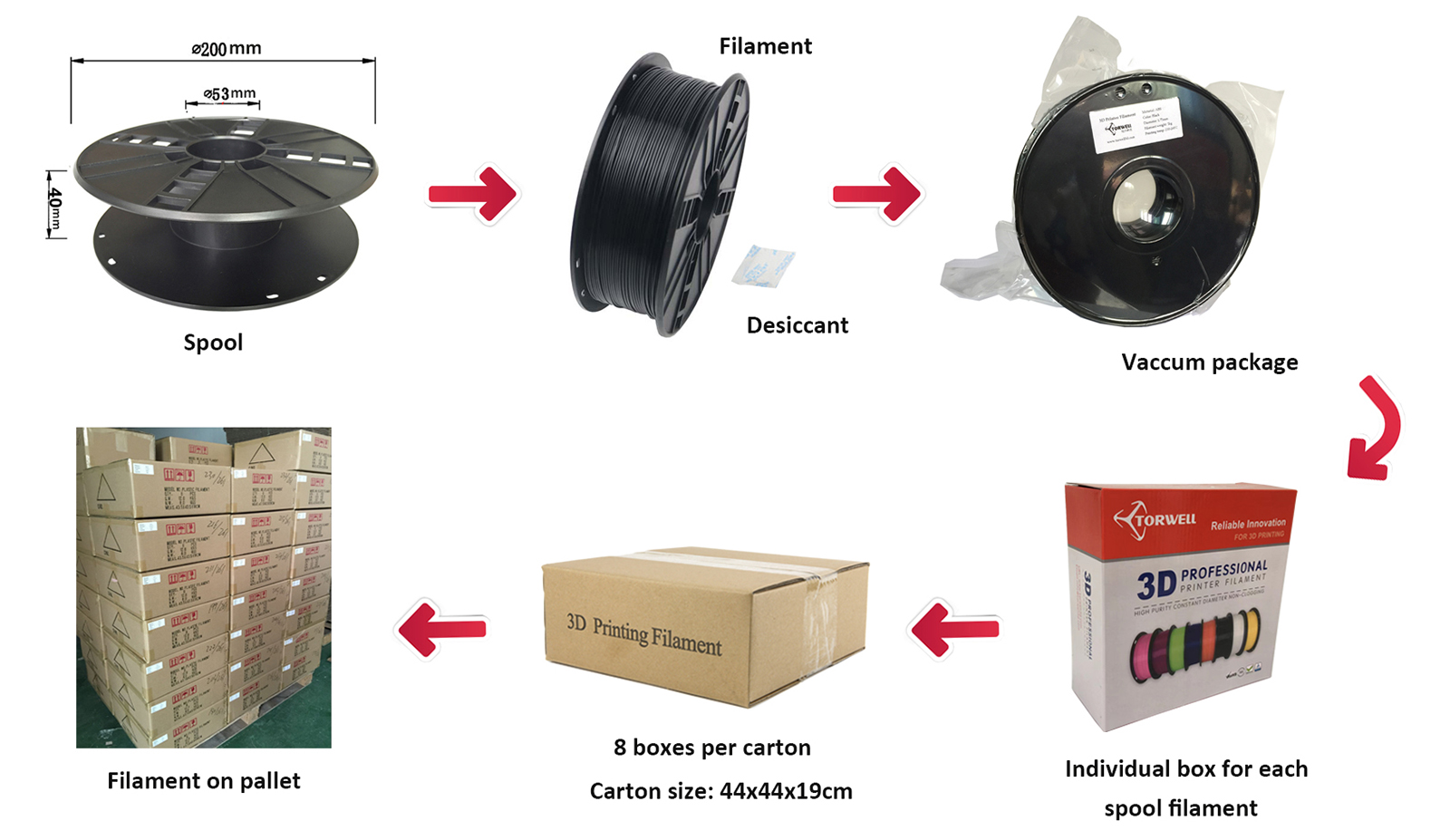
| Package | 1kg/spool; 8spools/ctn or 10spools/ctn sealed plastic bag with desiccants |
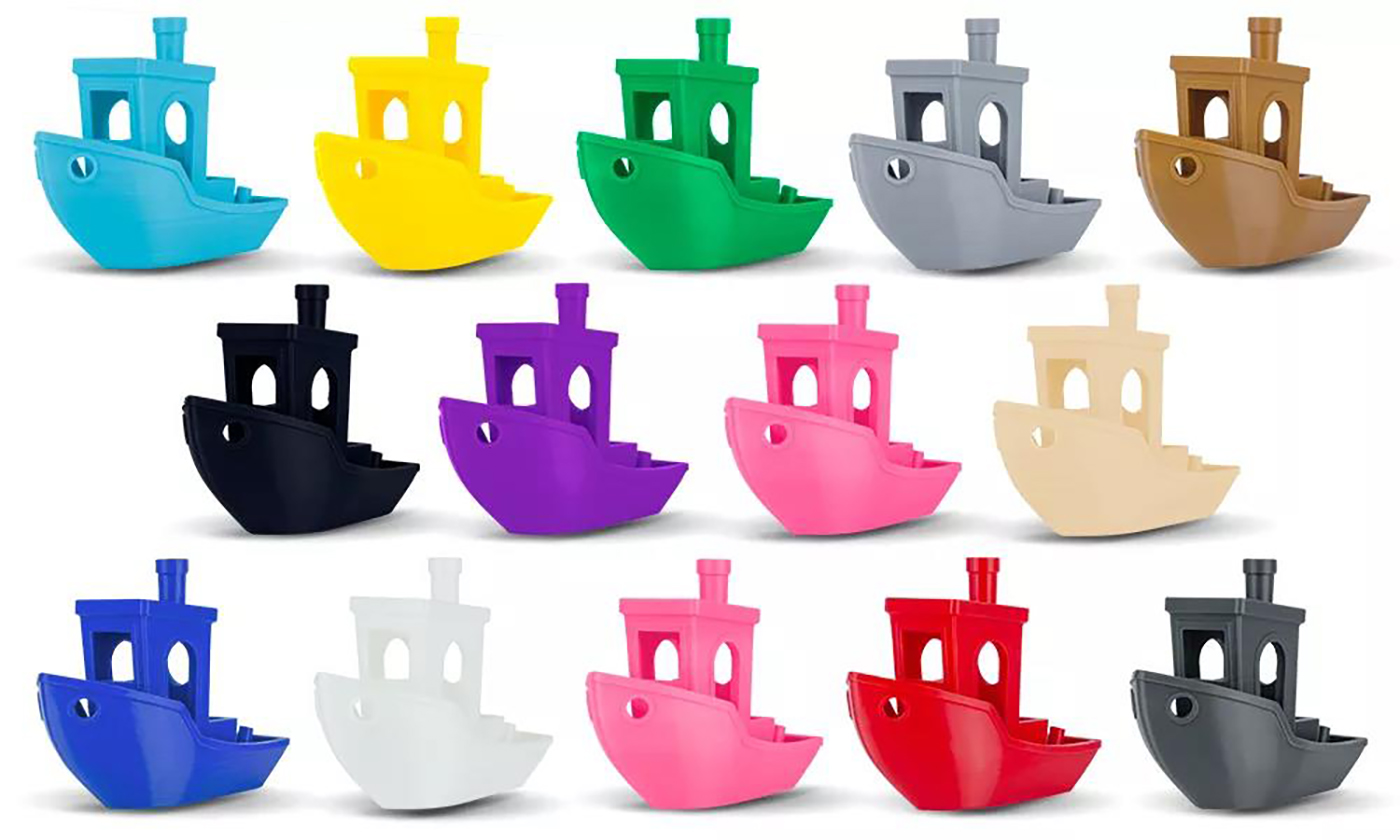
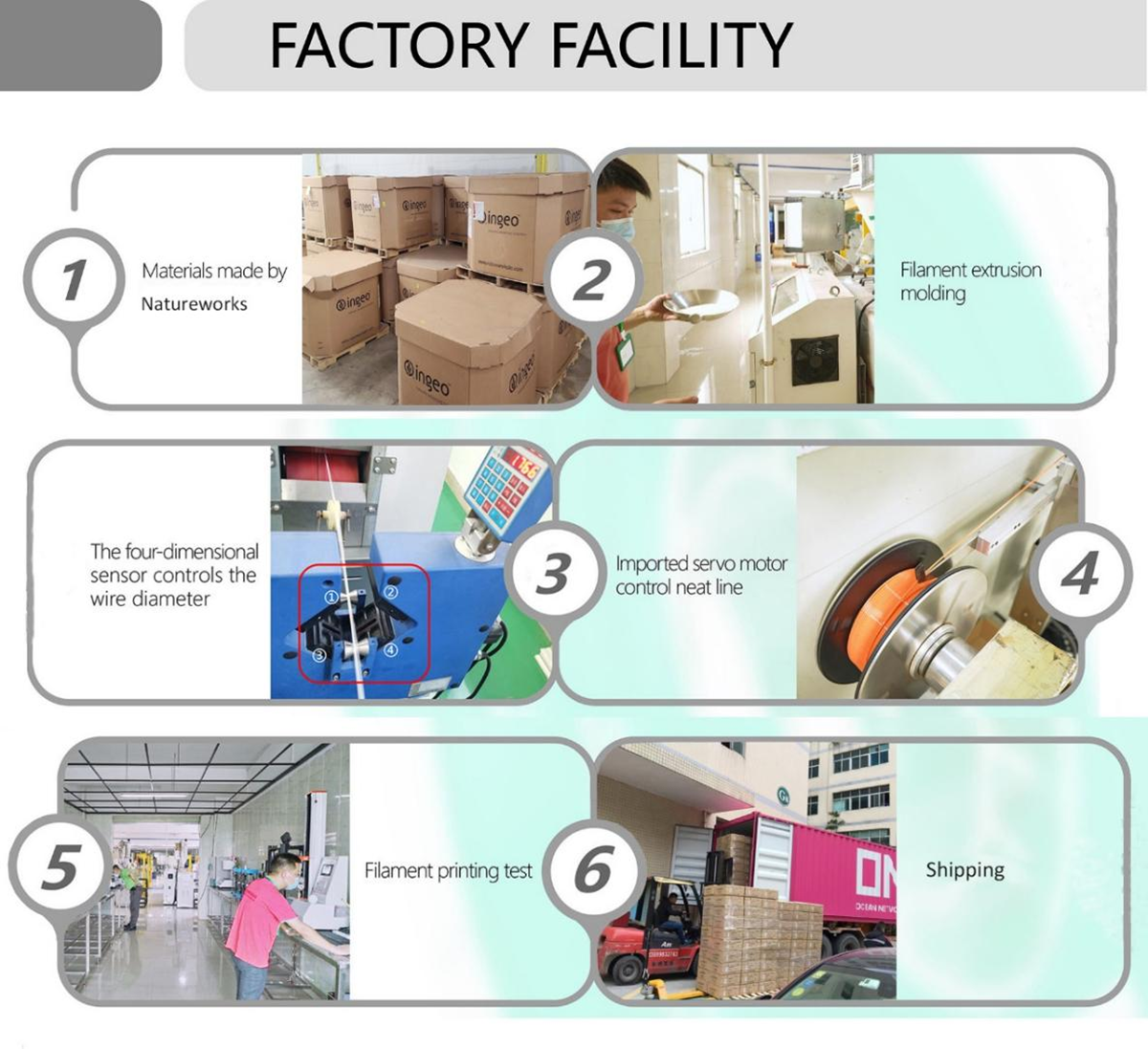
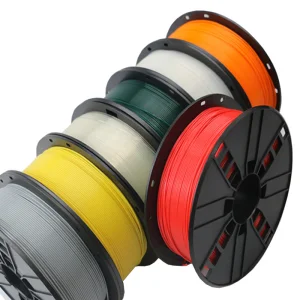
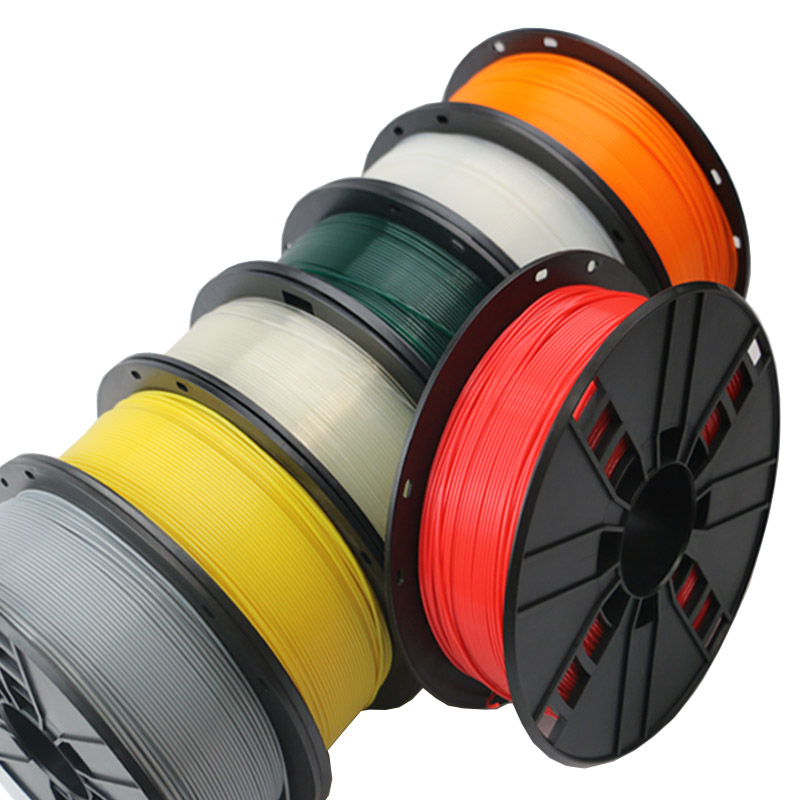
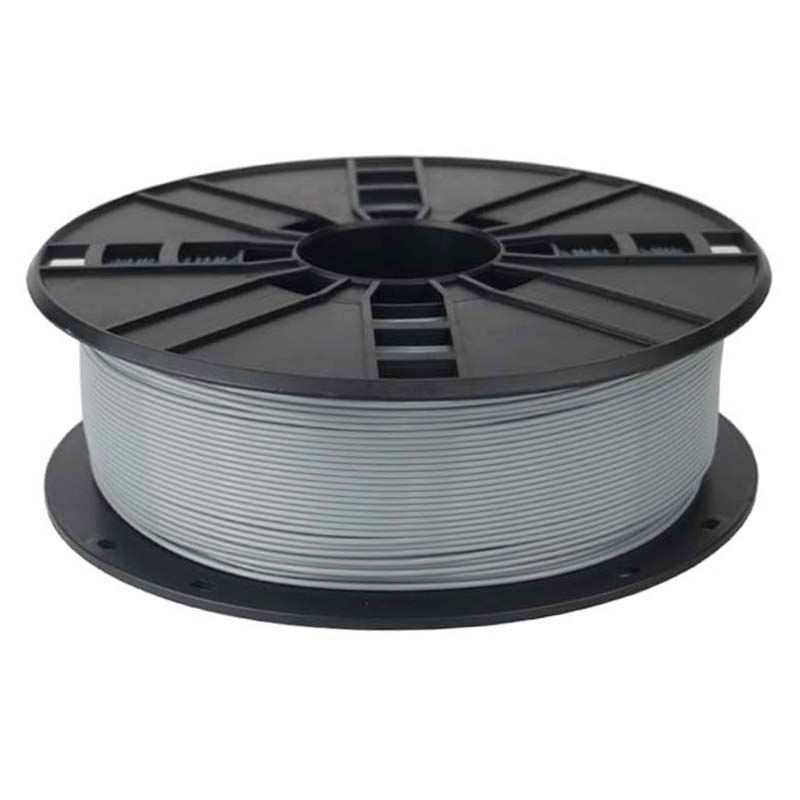
Torwell has over 10 years 3D filament R&D experiences, and produce all kinds of filaments, including PLA, PLA+, PETG, ABS, TPU, Wood PLA, Silk PLA, Marble PLA, ASA, Carbon Fiber, Nylon, PVA, Metal, Cleaning filament etc. 3D filament in large scale with premium quality, which contribute to product cost-effective and reliable for all common 1.75mm FDM 3D printers.
To help you with 3D printing PLA filament, we’re giving our tips for using and printing with PLA filament:
When printing with PLA filament, you are advised to begin with a starting temperature of 195 °C, it will ensure that you give yourself the best chance of success. The temperature can then be reduced or increased by 5-degree increments to obtain the right quality of print and strength so that they complement each other. To improve the adhesion to the build plate, it is better to heat the print bed to 60 degrees.
If the temperature is too high then strings will appear. The extruder will leak PLA material when it moves between the different areas during printing. Should this occur, then you will be required to decrease the temperature. Do this in increments of 5 degrees per step, until the extruder stops leaking so much material.
If the printing temperature is too cold, you will find that the filament will fail to adhere to the previous layer. It will create a surface which looks and feels rough. Meanwhile, the part will be weaker and can then be pulled apart easily. If this should happen, the print head temperature should be increased by 5 degree increments until the printing looks good and the line segments for each layer are right. As a result the part will be stronger once the job has completed.
PLA material needs to be stored in a cool and dark place, preferably in a sealed bag, which can help you to preserve the quality of the PLA plastics. It will ensure that the result of the printing process is as expected.
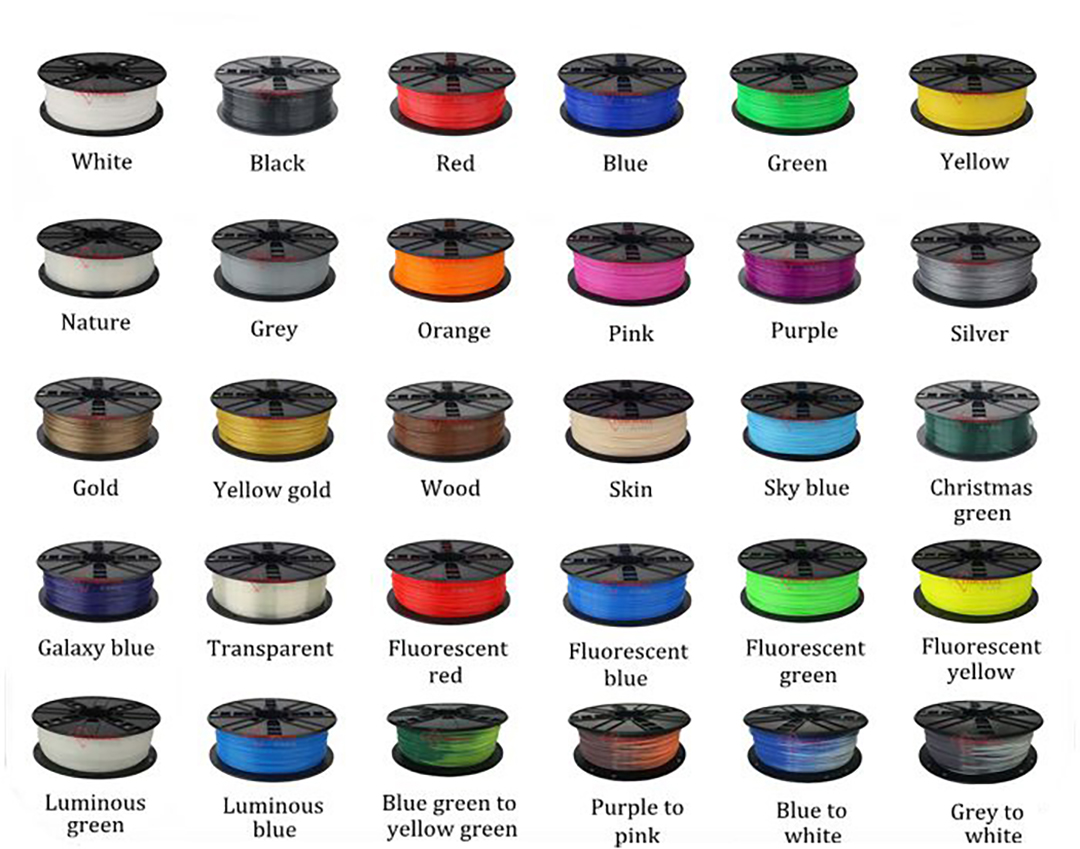
Customized color available. You just let us know your RAL or Pantone code.
PLA (Polylactic Acid) is a popular thermoplastic material derived from renewable resources like corn starch or sugar cane. It is easy to print, eco-friendly, and offers great surface quality with minimal warping.
We recommend starting at an nozzle temperature of 195°C and a heated bed temperature of 60°C. Depending on your printer model, fine-tune in ±5°C steps for optimal results.
Yes, Torwell PLA is engineered to be universal. It works seamlessly with virtually all standard FDM 3D printers, including Creality, Prusa, Ender, Ultimaker, Raise3D, Anycubic, and more.
To prevent moisture absorption, store your filament in a cool, dark place inside a sealed bag with a desiccant pack. If it absorbs moisture, dry it at 55°C for 6 hours.
Yes! We provide color customization services for custom orders. Simply provide us with your target RAL or Pantone color code to get started.
Torwell PLA filament complies with international safety and quality standards, certified by CE, MSDS, Reach, FDA, TUV, and SGS.